
Car Accident Prevention & Documentation
Car Accident Apps: How Real-Time Alerts and Crash Detection Work
Modern safety technology can help prevent collisions and document what happened. Understand how these tools work—and what they can't do alone.
By CHG Lawyers · Published September 16, 2026
Car Accident Apps: Real-Time Alerts, Crash Detection & Documentation
Several apps can show you car accidents in real time. They work in different ways. Some alert you to emergencies nearby. Others detect your own crash automatically. Still others map accidents reported by other drivers. Understanding how these apps work matters, especially if you’re injured and need to document what happened.
If you've suffered injuries, disputes over fault arise, your insurance claim is denied, or damages are significant, reach out for guidance. Talk it through with our team — the first consultation is free, confidential, and carries no obligation.
How Do Car Accident Apps Work?
Multiple apps provide real-time car accident alerts. Each uses a different method to gather and share information.
Emergency-connected apps like PulsePoint Respond pull directly from 911 dispatch systems. They immediately alert you to emergencies—including car accidents—in your community.
Crowdsourced apps like Waze and Traffic Spotter rely on drivers who report accidents and traffic incidents as they happen.
Automatic crash-detection apps like SOSmart and CrashScan use your phone’s sensors to identify sudden impacts. Google Maps displays real-time traffic incidents based on GPS data and user reports.
The key difference: Emergency-connected apps are reliable but may have coverage gaps. Crowdsourced apps cover more ground but depend on active users reporting. Automatic detection is fast but can trigger false alarms.
Which App Detects Your Own Car Accident?
If you want your phone to detect your own crash and call for help automatically, look for built-in features on your phone or dedicated apps.
iPhone Crash Detection (iPhone 14 and later) is built in. Android’s Emergency SOS is a manual feature, and automatic car-crash detection is a separate feature that not all recent Android phones include. When your phone detects a hard crash using its motion sensors (accelerometer and gyroscope), it can automatically call 911 or your emergency contacts—even if you’re unconscious.
Cancellation windows vary by device and app. If you don’t respond, the app calls 911 or your emergency contacts.
The limitation is real: Automatic detection works best for high-impact frontal or side collisions. Low-speed rear-end crashes, minor fender-benders, or crashes where your phone isn’t positioned to capture the impact may not trigger detection.
Best Free Apps to See Car Accidents Near You
Several traffic apps are free to download, though what each one shows and whether it carries ads vary.
To search for a specific accident, check any incident summaries that local police departments post online. Florida crash reports, however, are confidential for 60 days and available only to the parties, their lawyers, insurers and certain others (s. 316.066(2)). You can also check local news or traffic-camera feeds. App data alone won’t capture every accident—especially minor crashes that don’t get reported to 911 or by other drivers.
If you’re researching an accident that happened to you or someone you know, official sources matter more. The police report, witness statements, and medical records are the foundation of any claim.
If you've been injured in a car accident and aren't sure what steps to take next, or if you're unsure whether you have a claim, reach out. Talk it through with our team — the first consultation is free, confidential, and carries no obligation.
Why Car Accident Apps Matter After a Crash
If you’re injured in a crash, car accident apps can help in several ways:
Documentation. Screenshots of real-time app data showing the accident location, time, and reported conditions can support your own account of what happened.
Emergency response. Automatic crash detection can summon help if you’re too hurt to call 911 yourself.
Evidence. Traffic data, crowdsourced reports, and app timestamps may support your version of events—especially if fault is disputed.
Limitations. App data is not a substitute for medical records. App screenshots alone won’t prove fault or the full extent of your injuries.
What to Do Immediately After a Car Accident
Immediate steps matter:
- Seek medical attention right away, even if you feel okay. Some injuries appear hours or days later. Under Florida’s PIP law (s. 627.736), PIP benefits generally require medical treatment within 14 days of the crash.
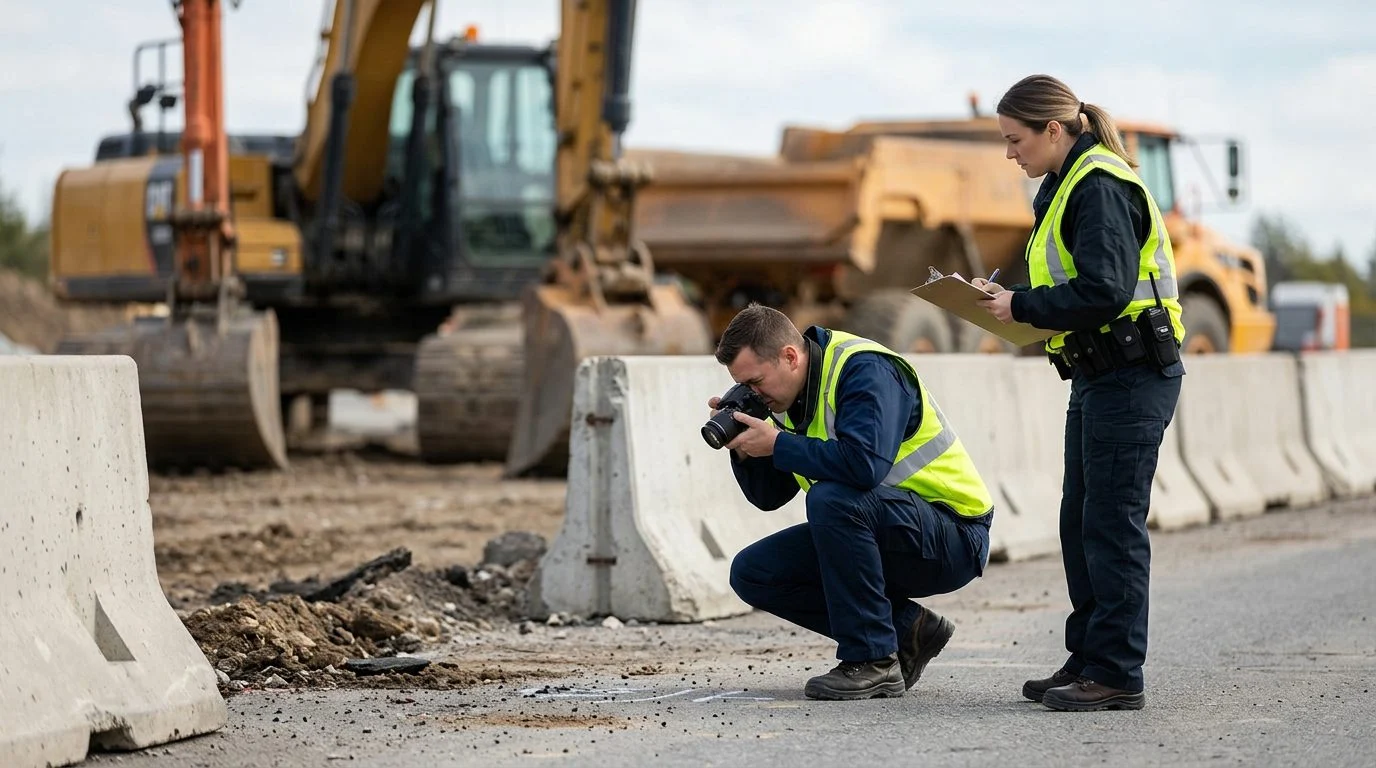
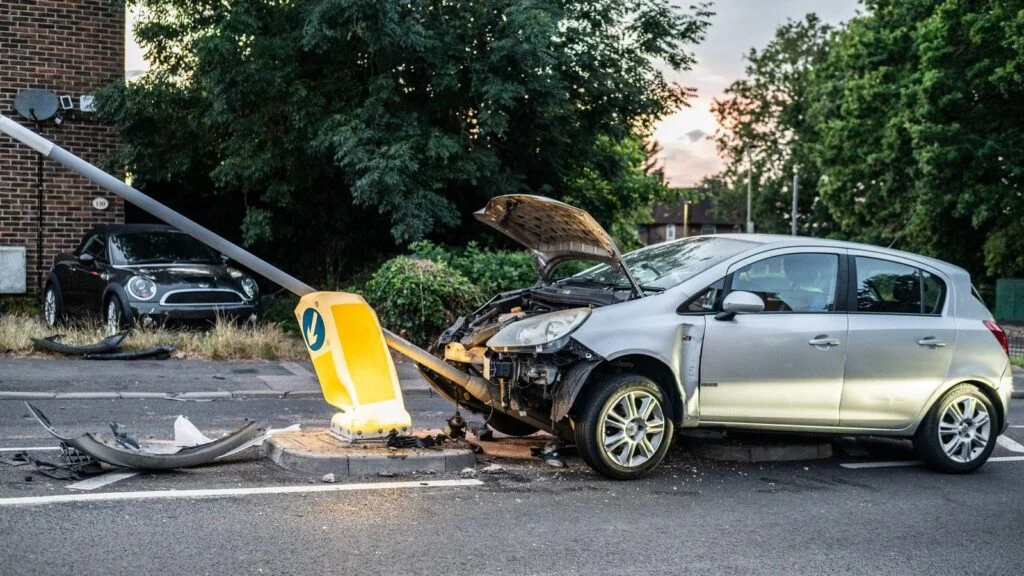
- Document the scene. Take photos of vehicle damage, the accident location, road conditions, and traffic signs. Get names, phone numbers, and insurance info from the other driver and any witnesses.
- Stop at the scene. In Florida, drivers involved in a crash resulting only in damage to a vehicle or other property must immediately stop at the scene.
- Preserve evidence. Keep app screenshots, medical records, and repair estimates.
- Report to your insurance company. Do this promptly, but don’t admit fault or sign anything without understanding it first.
If you’ve suffered injuries, disputes over fault arise, your insurance claim is denied, or damages are significant, reach out for guidance. In Florida, you generally have two years from the date of injury to file a personal-injury lawsuit—so time matters.
FAQ
Can car accident app data be used as evidence in court?
App-generated data can support your account but doesn’t replace official police reports, medical records, or witness testimony. Courts prefer documented evidence.
What’s the difference between crowdsourced and emergency-connected car accident apps?
Crowdsourced apps (Waze, Traffic Spotter) rely on driver reports and GPS data. Emergency-connected apps (PulsePoint) pull directly from 911 dispatch and are more reliable but may have coverage gaps.
Does my phone automatically detect all types of car crashes?
No. Automatic detection works best for high-impact frontal or side collisions. Low-speed crashes or crashes where your phone isn’t positioned to sense the impact may not trigger detection.
What should I do if my phone’s automatic crash detection triggers by mistake?
Cancel the alert promptly, since the window varies by device and app. If you cancel in time, no emergency call is placed.
Is there a free app that shows all car accidents in my area?
No single app captures every accident. Coverage depends on user reports (crowdsourced apps) or 911 dispatch (emergency-connected apps). Combining multiple apps gives you better visibility.
If you’ve been injured in a car accident and aren’t sure what steps to take next, or if you’re unsure whether you have a claim, reach out. People in your situation can contact us. A free case evaluation can help you understand your legal rights after a car accident and your options.
Types of Car Accident Apps
Crash Detection & Emergency Response
Built into modern smartphones and vehicles, these apps automatically detect severe impacts and can alert emergency services and your emergency contacts with your location. Examples include Apple Crash Detection and vehicle-integrated systems like OnStar.
Crowdsourced Traffic & Hazard Alerts
Apps like Waze and Traffic Spotter let drivers report accidents, hazards, and road conditions in real time. Other drivers see these alerts to avoid danger zones, but these apps don't directly prevent crashes or call for help.
Dash Cam & Event Recording Apps
These apps use your phone's camera to record video while driving. They can capture footage of the accident scene, other vehicles, traffic signals, and road conditions—useful for documenting what happened.
Insurance & Telematics Apps
Some insurers offer apps that track driving behavior, location, and impact events. Data may help with claims, but these are primarily for monitoring and premium adjustment, not prevention.
Not sure what your next step is?
Talk it through with our team — the first consultation is free, confidential, and carries no obligation.
What These Apps Can Help You Do
Get Help Faster
Crash detection can alert 911 and your contacts automatically, cutting response time when you may be unable to call.
Document the Scene
Dash cam footage and location data create a record of the accident, road conditions, and vehicle positions—valuable for police reports and claims.
Avoid High-Risk Areas
Real-time hazard alerts help you steer clear of congestion, debris, and reported accidents ahead.
Support Your Account
App data and recordings can corroborate your version of events, though they don't replace official police reports or witness statements.
Important: Apps Are Tools, Not Guarantees
Car accident apps can reduce response time and provide documentation, but they cannot prevent all crashes. No app can replace safe driving, attention to the road, and following traffic laws. If you are injured in a crash, app data may support your claim, but it must be combined with police reports, medical records, and witness testimony to build a complete case.
How App Data Fits Into a Car Accident Claim
What App Data Can Show
Crash detection timestamps, location coordinates, impact severity readings, and dash cam video can establish when and where the accident occurred and provide visual evidence of the scene and other vehicles involved.
What App Data Cannot Do Alone
App recordings and sensor data don’t determine fault on their own, and they may not by themselves prove negligence by the other driver.
Combining App Data With Official Evidence
The strongest claims pair app-generated records with a police accident report, photographs of vehicle damage, medical records, and statements from witnesses. Together, these create a clear picture of what happened and who is responsible.
Preserving Your App Data
If you've been in a crash, save all app recordings, screenshots, and data immediately. Don't delete or overwrite files. Provide this information to police, your insurer, and your attorney so it can be preserved as evidence.
After a Serious Crash: Next Steps
If you or a loved one has been injured in a car accident—whether minor or catastrophic—the decisions you make immediately afterward matter. Beyond using your phone's safety features, you should seek medical attention, report the crash to police, gather witness information, and document the scene. Then, contact CHG Personal Injury Lawyers to review your case, your app data, and your options.